

Images
You can add images at the worksheet level or as children of a cell.
Worksheet-level image
<Worksheet name="Report"> <Image src="./logo.png" extension="png" range="A1:C3" /> ...</Worksheet>Cell-level image
<Row> <Cell value="Logo"> <Image src="./logo.png" extension="png" /> </Cell></Row>Positioning
Use position to specify exact bounds:
<Image src="./logo.png" extension="png" position={{ tl: { col: 0, row: 0 }, ext: { width: 120, height: 48 } }}/>See it in practice
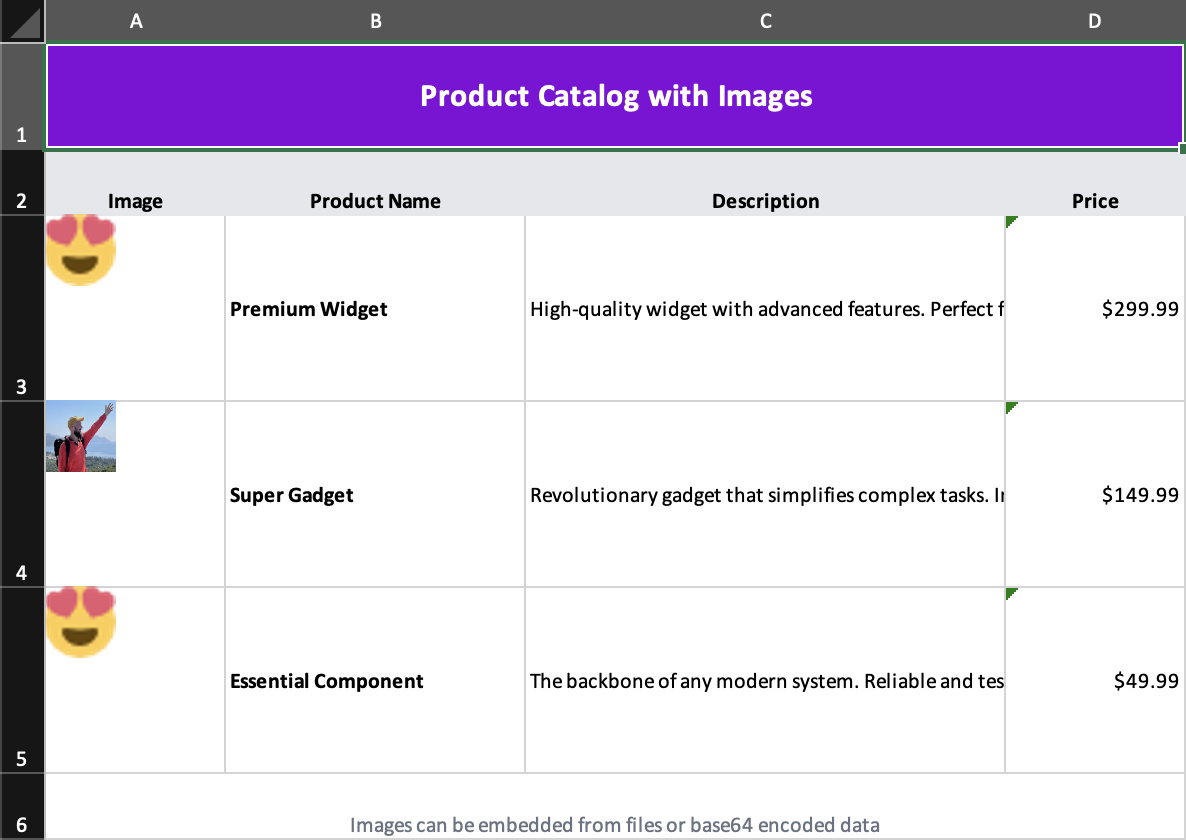
- Source:
examples/07-images.tsx - Demonstrates base64-backed images, file-backed images, and cell-child images with explicit sizing
Tips
- use worksheet-level images for logos, banners, and page decoration
- use cell-child images when an image conceptually belongs to a row of data
- specify
positionwhen you want predictable sizing instead of the default cell-based estimate