

Examples
All examples generate .xlsx files in examples/output/.
The screenshots on this page come from examples/expected/ and make the feature set easier to scan before you run anything locally.
bun run examplesRun individual examples:
bun run example:basicbun run example:stylingbun run example:dynamicbun run example:processorsbun run example:mergedbun run example:templatesbun run example:imagesbun run example:complex-mergeExample gallery
01. Basic workbook structure
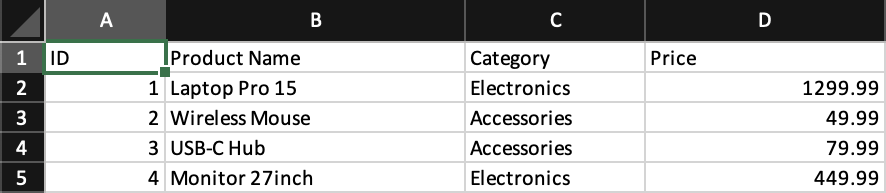
- Shows the minimum viable workbook:
Workbook,Worksheet,Column,Row, andCell - Good first reference for column widths and plain value rendering
- Source:
examples/01-basic.tsx - Docs: Workbook, Worksheet, Cell
02. Styling with className
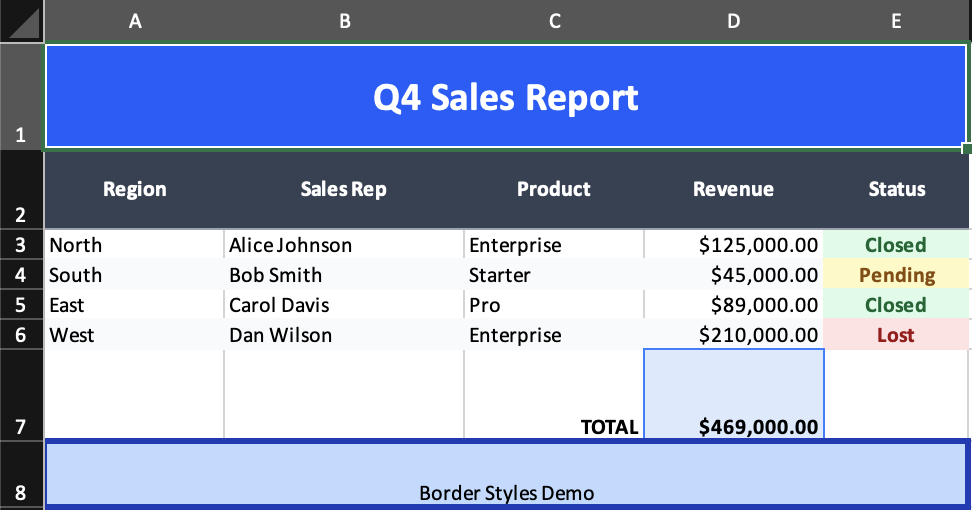
- Shows shared header styling, row styling, borders, alignment, and formatted totals
- Demonstrates how
Grouplets you apply styling to several cells at once - Source:
examples/02-styling.tsx - Docs: Styling, Properties, Group
03. Dynamic rows, formats, formulas, and named ranges
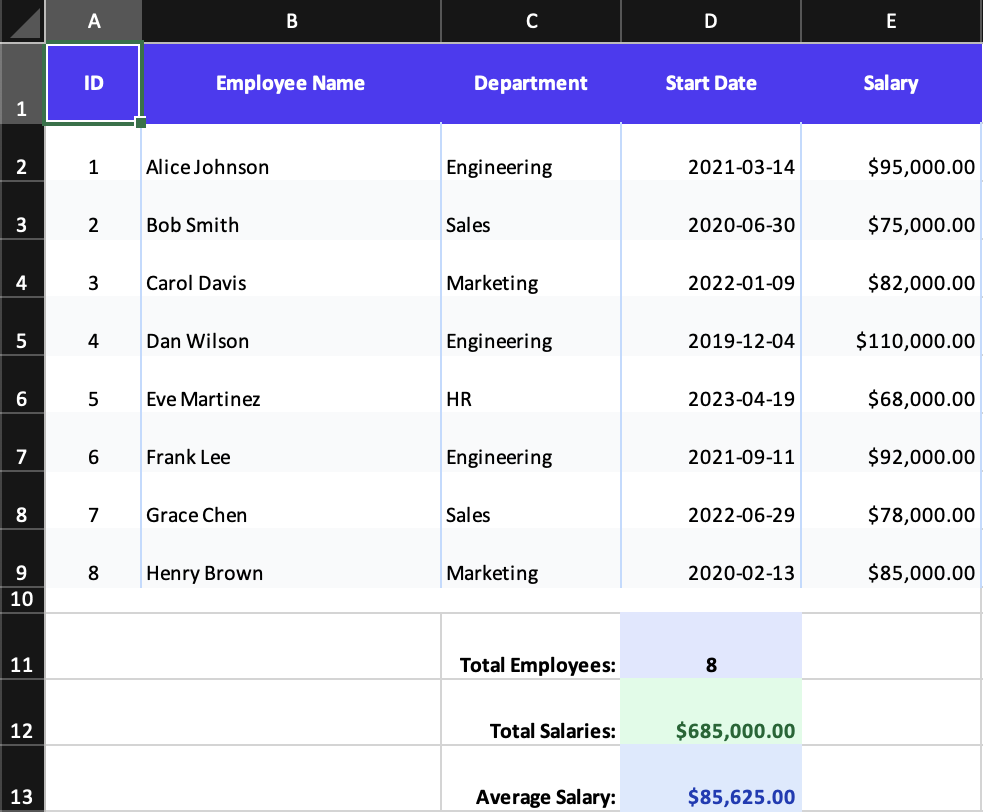
- Maps data arrays directly into rows
- Uses column-level date and currency formatting
- Demonstrates named column ranges with
idand formulas likeSUM(Salaries) - Source:
examples/03-dynamic-data.tsx - Docs: Format, Formula, Column
04. Processors and conditional styling
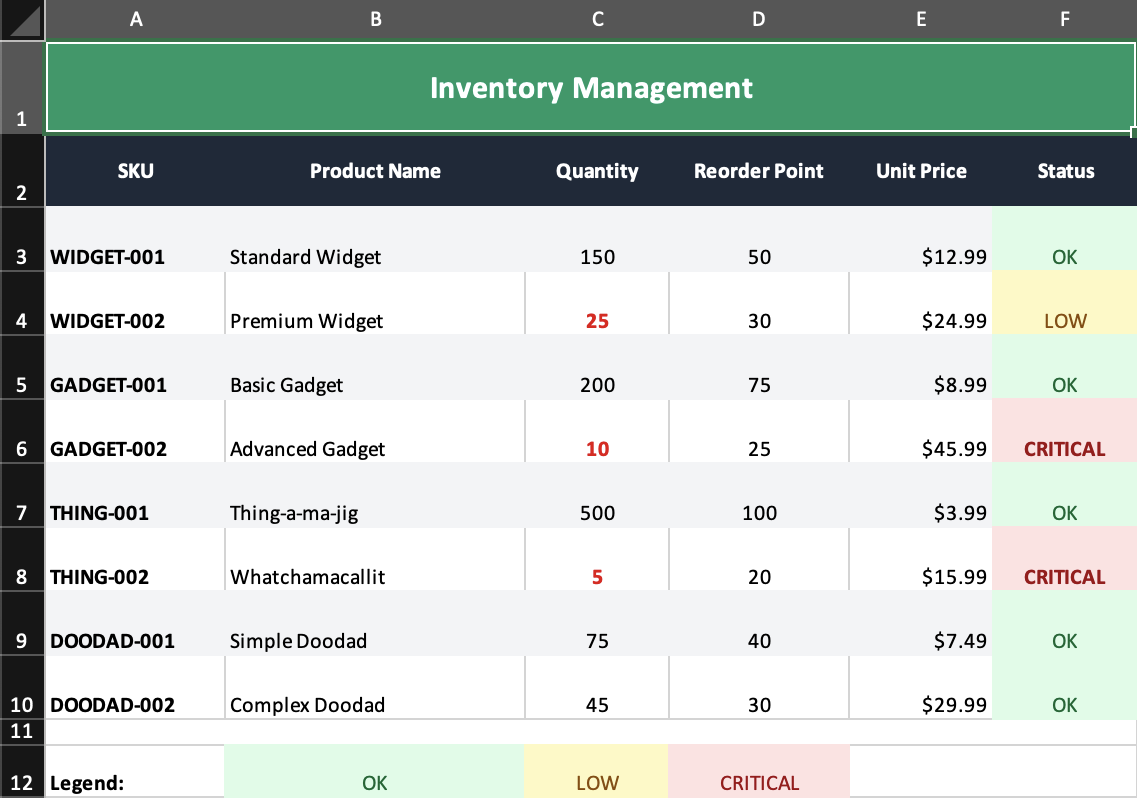
- Shows row processors applying zebra striping during render
- Combines processors with value-based styling for status cells
- Good reference for reusable render-time transformations
- Source:
examples/04-processors.tsx - Docs: Processors, Group
05. Merged cells and report layouts
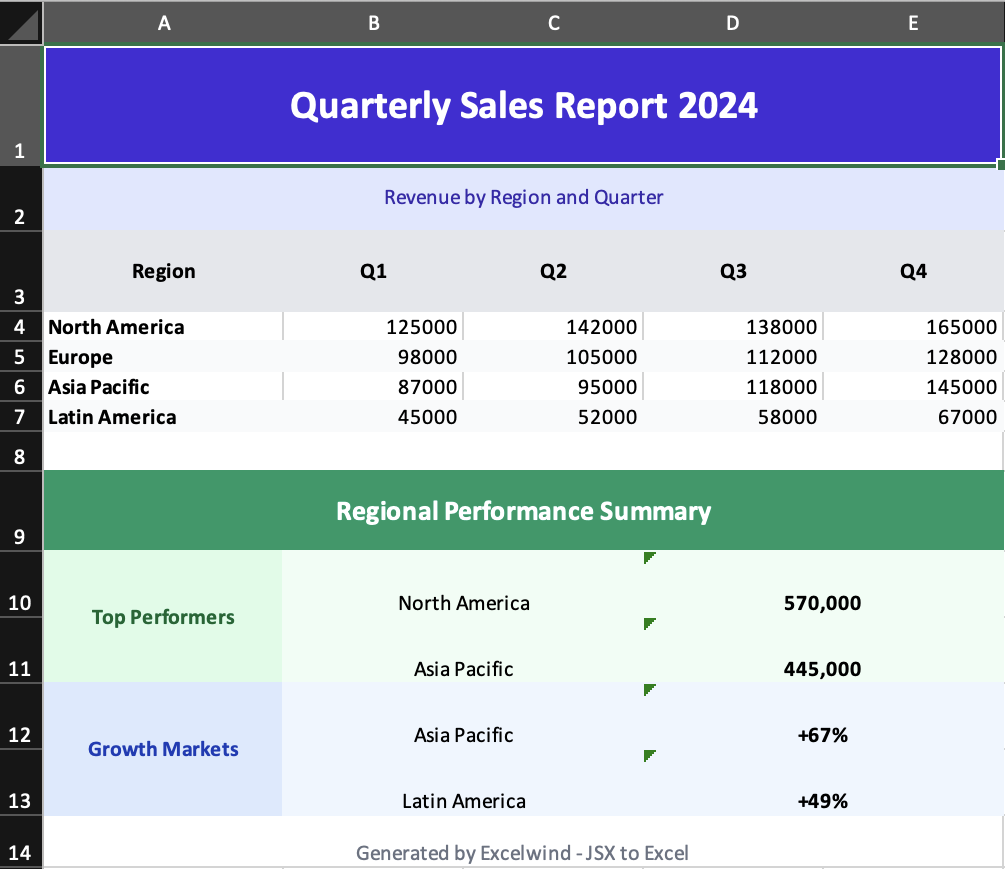
- Demonstrates
colSpanandrowSpanin practical reporting layouts - Shows section headers, vertically merged category labels, and merged summary blocks
- Source:
examples/05-merged-cells.tsx - Docs: Merges, Cell
06. Templates and post-template content
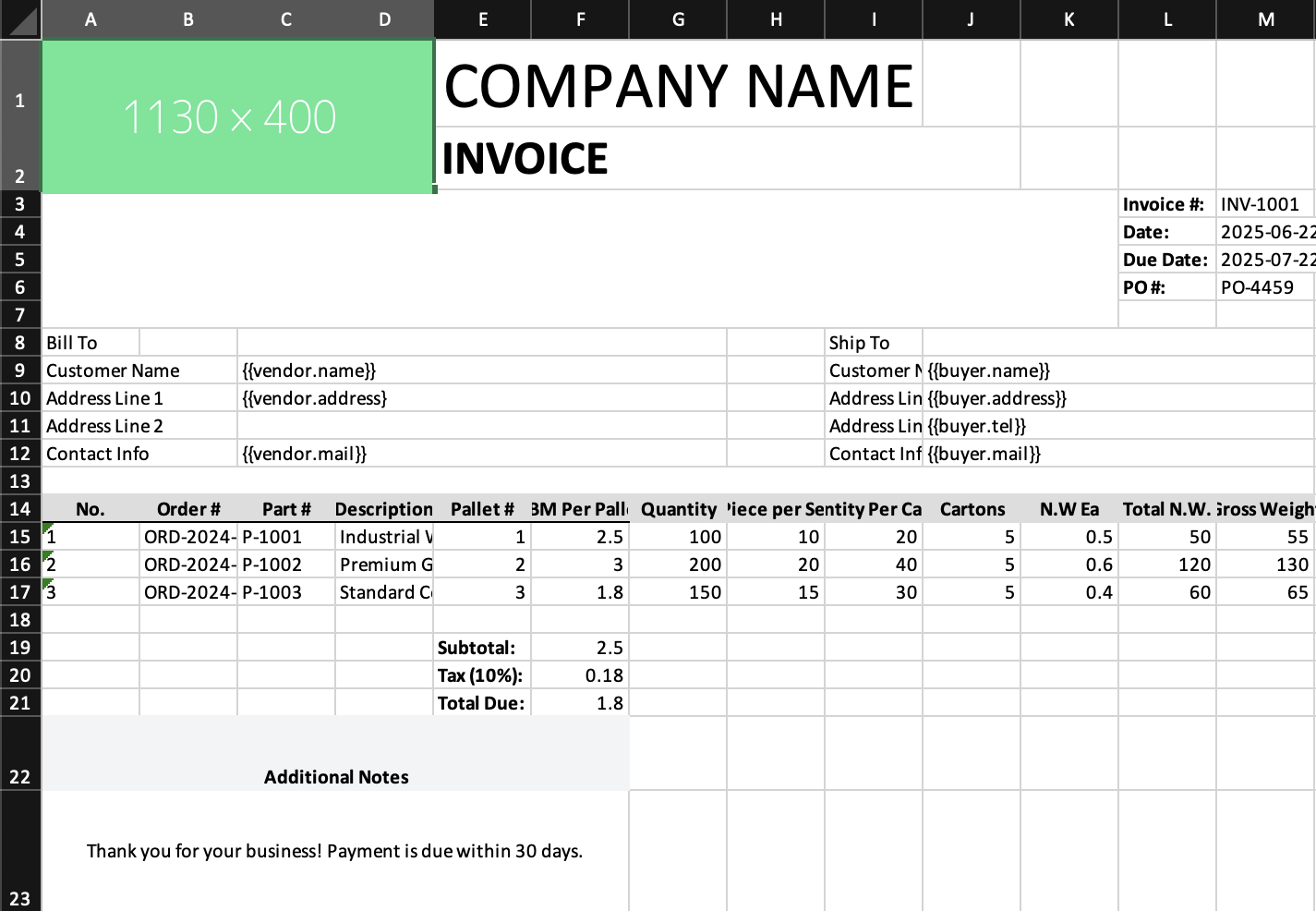
- Loads an
.xlsxtemplate, expands the data row, then appends new JSX content below it - Useful for invoice and branded document workflows
- Note: current template expansion targets row-based placeholders; non-row placeholders visible in the screenshot remain unchanged
- Source:
examples/06-templates.tsx - Docs: Templates, Template
07. Worksheet and cell-level images
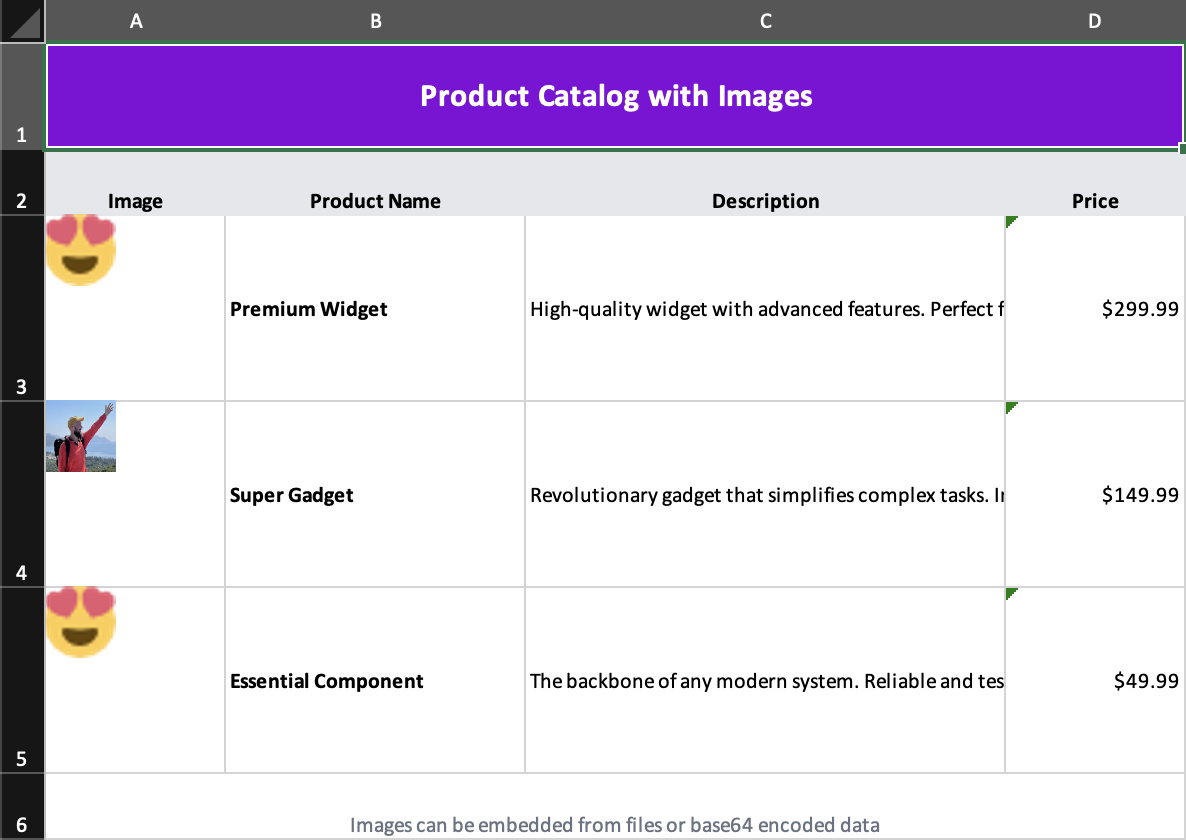
- Embeds images from both base64 strings and files
- Demonstrates cell-child images with explicit positioning and sizing
- Source:
examples/07-images.tsx - Docs: Images, Image
08. Advanced merge stress test
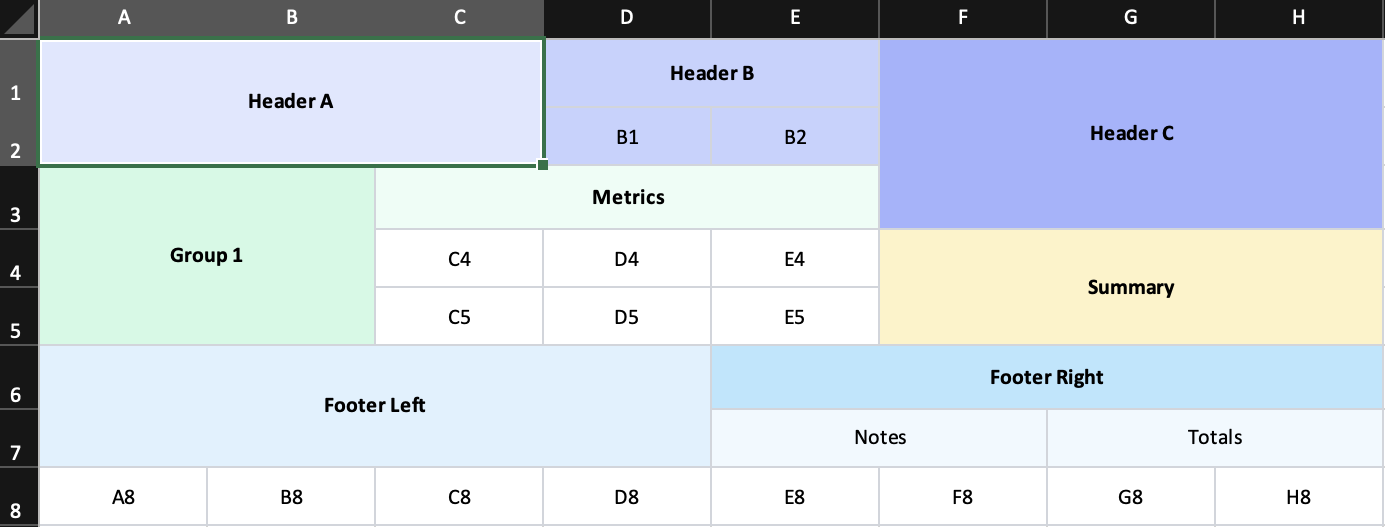
- Stresses mixed
rowSpanandcolSpancombinations in a single grid - Helpful for validating dashboards, matrix layouts, and nested merge blocks
- Source:
examples/08-complex-merge.tsx - Docs: Merges, Cell
Best examples by feature
classNamestyling:examples/02-styling.tsx- dynamic data + formulas:
examples/03-dynamic-data.tsx - processors:
examples/04-processors.tsx - practical merges:
examples/05-merged-cells.tsx - template-driven output:
examples/06-templates.tsx - image embedding:
examples/07-images.tsx - complex merge edge cases:
examples/08-complex-merge.tsx